Time & Attendance Software: Managing Your Team's Hours
Why manual fails, a proper system's features, mobile, project timers, reporting, privacy and mistakes.
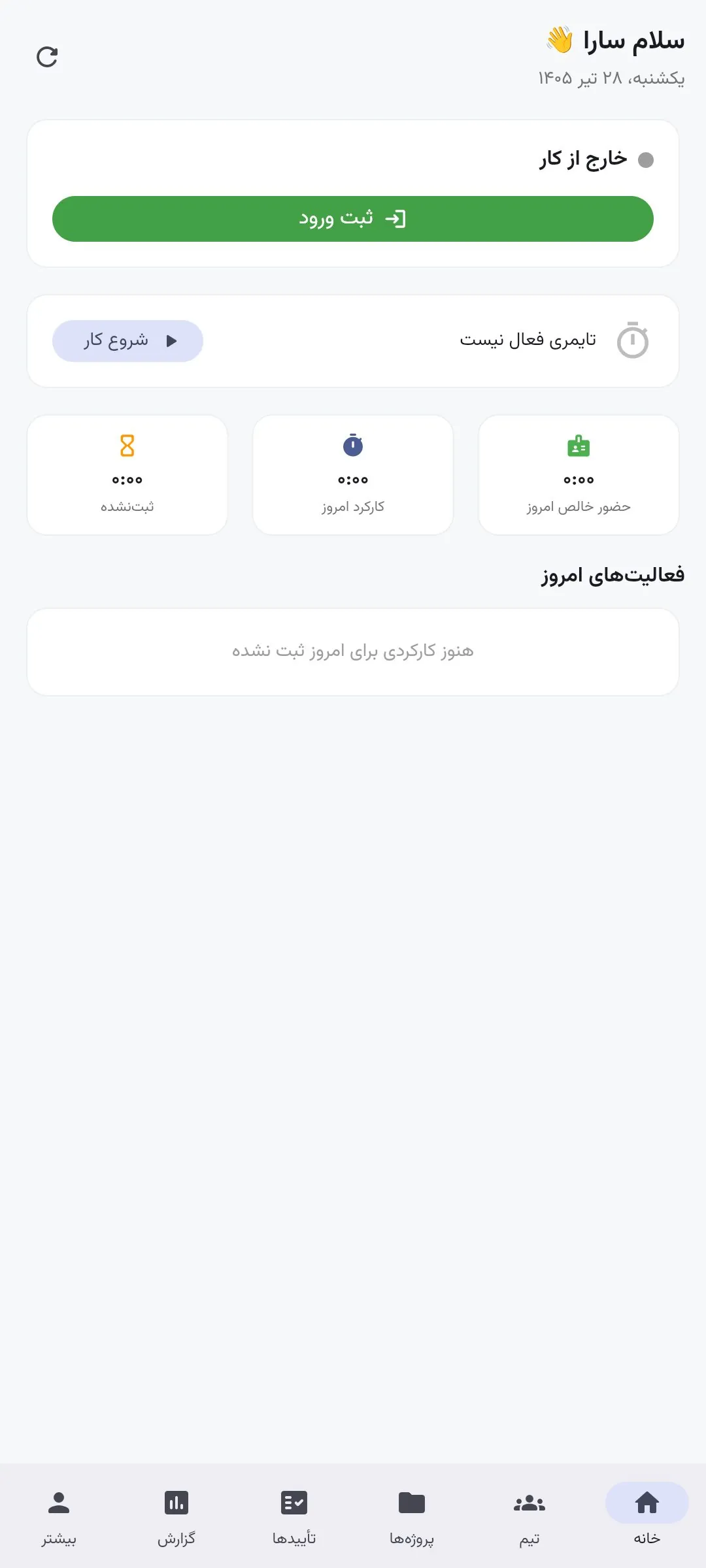
Any manager with more than a few people eventually hits the same headache: managing working hours. Manual attendance — paper, spreadsheets, messages — looks simple but breaks down fast.
Why manual fails, and what good software offers
Errors and lost records, low transparency (disputes), and slow monthly reporting. A good system offers one-tap clock in/out (on-site, remote, field), project timers, a live dashboard, Excel/Jalali reports, an approval flow and multi-org isolation.
Mobile, project timers, reporting and privacy
Your team is not always at a desk — a mobile app covers everyone. Project timers turn attendance into productivity insight. Reports go from a monthly nightmare to one click. Good transparency builds trust and cuts disputes.
Our Vaghtar product does exactly this — built with Flutter across web, Android and iOS, multi-organisation and fully isolated, with secure storage.
Frequently asked questions
Why is manual a problem?
Errors, lost records, slow reporting and disputes — a system removes these.
Does Vaghtar work on mobile?
Yes — built with Flutter, it runs on web, Android and iOS from one codebase.
Suitable for multiple branches?
Yes — Vaghtar is multi-organisation and fully isolated; each org gets its own space.
Why project timers?
They show where time goes so you can price and plan better and spot unprofitable projects.
Related GH Company service
Websites & Digital Products
Corporate sites, stores, campaign landing pages, apps and custom platforms — all bespoke-coded.
Be the first to comment
Comments appear after review. Your email is never displayed.
Related reading
New Google Ads Tests with Restrictive Match Types in AI Mode
Analyzing Google's new ad tests and their implications for Iranian businesses.
AdvertisingBack-to-School Marketing Strategies with AI Technology
This year, AI technology is reshaping back-to-school marketing, significantly altering consumer habits for businesses.
SEOGoogle's New Experiment in Search Ads
Google is conducting new experiments with restrictive match types in search ads.