Why High-Traffic WordPress Sites Slow Down
High-traffic WordPress sites often slow down because of limited server resources, bloated databases, and heavy plugins. Businesses should treat speed as an ongoing operational task, not a one-time fix.
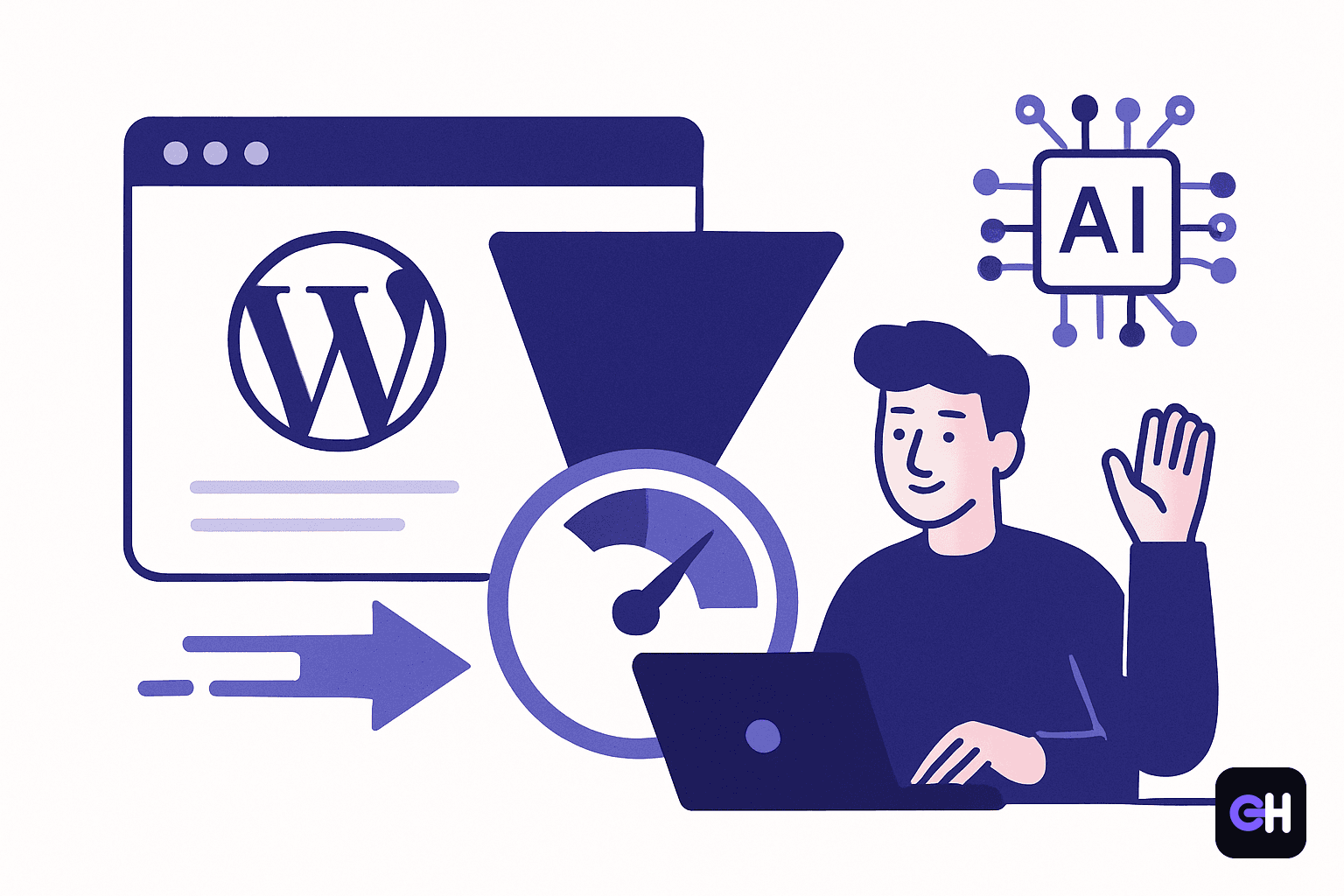
For many Iranian businesses, a WordPress site is not just an online brochure. It is often the main sales touchpoint, a lead-generation channel, and sometimes the place where orders begin. When speed drops, the impact is immediate: users leave, trust falls, and marketing efforts lose value. In most cases, the problem is not one single mistake, but a chain of technical bottlenecks.
Recent reporting highlighted the most common reasons high-traffic WordPress sites become slow: simultaneous visitor growth, limited CPU and RAM, an unoptimized database, and heavy plugins. These issues reinforce each other. When the server is underpowered, every request takes longer; when the database is messy, each page load becomes more expensive; when plugins are bulky, they add even more pressure.
Why traffic growth does not always mean better performance
Many business owners assume that if a site is online and pages load, everything is under control. In reality, a busy WordPress site faces pressure not only from user volume, but also from the type of requests it handles. Logins, form submissions, search actions, dynamic content, images, and scripts all compete for resources. If the infrastructure is not ready, the site slows down, returns errors, or breaks during peak hours.
This is especially serious for e-commerce stores, service businesses, and brands running ad campaigns. Traffic growth is good news only if the site can handle it. Otherwise, ad spend is wasted and potential customers go to a competitor with a faster experience. Speed is therefore a business issue, not just a technical metric.
Server resources are often the first bottleneck
If a server does not have enough CPU and memory, even a fairly simple WordPress site can feel slow under load. WordPress needs resources to process plugins, build pages, and respond to users. When those resources are limited, requests queue up and page delivery delays become visible. In that situation, the issue is often not WordPress itself, but a hosting environment that no longer matches the site’s workload.
Database and plugins: hidden but decisive factors
The database is the heart of many WordPress operations. If it accumulates old revisions, temporary data, and unnecessary entries, every page load has to work harder to retrieve information. That slowdown is not always obvious at first, but users feel it quickly. Database cleanup and optimization should therefore be part of regular site maintenance.
Plugins are useful, but they can also become a liability. Each plugin adds code, requests, and potential conflicts. Some continue consuming resources even when the user is not actively using their features. The safest approach is to keep only the necessary plugins, review heavy ones carefully, and replace duplicated tools with lighter alternatives when possible.
What businesses should do now
- Check CPU and RAM usage during busy periods to see when the site exceeds capacity.
- Remove unnecessary or redundant plugins and keep only the tools that are essential.
- Clean and optimize the database so old and unused data does not slow down page loads.
- Review caching, file compression, and image delivery to reduce server pressure.
- Reassess the hosting plan if traffic has grown beyond the current setup.
- Test the speed of key pages separately, including home, services, product, and contact pages.
Speed optimization is not a one-time project. A site that feels fast today can become slow again after a new plugin, heavier content, or traffic growth. Businesses should treat performance as an operational metric and review it regularly. The earlier the bottleneck is found, the lower the cost of fixing it.
How GH Company can help
For businesses that want a more reliable WordPress site, technical review and prioritization matter. GH Company can support website owners by identifying performance bottlenecks, reviewing plugins, improving structure, and aligning the site with real business needs. The goal is not just to keep the site live, but to keep it fast, stable, and ready to grow.
Frequently asked questions
Why does my WordPress site slow down when traffic increases?
When more users visit at the same time, the server must process more requests. If CPU and RAM are limited or the database and plugins are not optimized, the site slows down.
Which parts affect WordPress speed the most?
Three areas usually matter most: server resources, database health, and plugin quality. If all three match the traffic level, the site stays faster and more stable.
What should a business do first to improve site speed?
First, identify the main bottleneck: server, database, or plugins. After that, remove extra plugins, optimize the database, and upgrade infrastructure if needed.
Related GH Company service
Websites & Digital Products
Corporate sites, stores, campaign landing pages, apps and custom platforms — all bespoke-coded.
Be the first to comment
Comments appear after review. Your email is never displayed.
Reported with reference to زومیت
Back to the blogRelated reading
Growth Opportunities in Online Fashion: Why Brands Need Own Stores
Iran's online fashion retail market offers high growth for independent stores. Building a custom e-commerce site enables brands to thrive without marketplaces.
SalesCommon Reasons for Enamad Rejection and Practical Solutions
Explore the common causes behind Enamad application rejections and learn step-by-step solutions to obtain your payment gateway quickly.
Social MediaBuilding Custom No-Code AI Apps for Business Growth
Learn how Iranian businesses can build custom no-code AI tools to automate workflows, reduce software subscription costs, and scale marketing efforts.